Optimize Studio Photos to Attract Parents on ORYN Quest
ORYN Team8 min read
Southern California
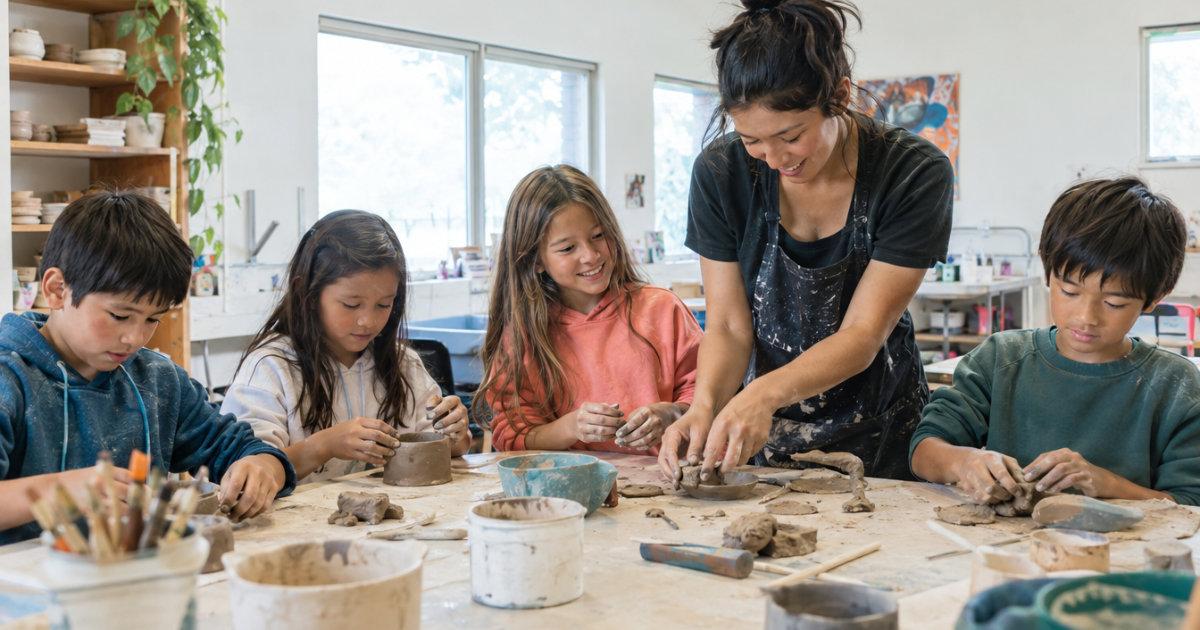
On ORYN Quest, your studio profile photos do the first round of parent decision-making before anyone reads a word of your class description. Every listing needs at least one photo to go live, and you can add up to five. Photos must be yours or licensed to you, you keep ownership of them, and an optional AI photo coach in the listing form offers tips without ever blocking you from publishing.
Why Profile Photos Matter for Your ORYN Quest Listing
A parent scrolling through Southern California class options makes a quick judgment: does this look like a place I'd drop my kid off on a Tuesday afternoon? A dark, sideways phone shot of an empty room answers that question badly. A bright photo of kids mid-project, with an instructor visible and the space clearly clean, answers it well.
Photos also carry the trust load that word-of-mouth used to carry alone. Your public profile on ORYN Quest shows your name, city, address, amenities, rating, logo, social links, and phone and website if you add them. Your listing photos are part of the same first impression. When the photos and the profile details line up (same studio, same energy, same real address), parents feel the consistency. When they don't, parents hesitate, and a hesitant parent keeps scrolling. Google's Business Profile Help says business photos spotlight the features customers use when deciding to buy, and can help a business stand out on Google (Google Business Profile Help).
For more on the full picture families see, our guide to writing a class listing parents actually book covers how text and photos work together.
Photo Requirements and Technical Specs on ORYN Quest
The rules are simple and firm:
- Minimum one photo to publish. A listing cannot go live without it. Drafts can skip the photo, but families never see drafts.
- Up to five photos per listing in the form. Use the slots; a parent deciding between three art studios wants to see more than one angle.
- One optional video, up to 100 MB, if a photo set alone can't show what your class feels like in motion.
- Photos must be yours or licensed to you. You keep ownership of your photos and brand. ORYN may use them to run and promote the platform, and ORYN may review, edit for formatting, or remove any listing.
That last point trips up new vendors who grab a stock image of "kids painting" to fill the first slot. Beyond the ownership problem, stock photos read as stock photos. Southern California parents are choosing between real studios within driving distance, and generic images give them nothing to choose you with. For shooting your own photos well, see our walkthrough on how to photograph your kids' class.
Choosing Photos That Show Your Space and Activities
Think of your five slots as a sequence that answers a parent's questions in order:
- The activity itself. Kids doing the thing you teach: throwing on the wheel, running a drill, coding a robot. Faces mid-focus beat faces mid-pose.
- The instructor in action. Warm, attentive, close to the kids. This pairs naturally with a strong instructor bio parents trust.
- The space, clean and lit. Wide enough to show safety and organization. Daylight beats overhead fluorescents every time.
- The details parents look for. Equipment, materials, seating, anything that signals age-appropriateness for the 3 to 12 range you serve.
- A moment of delight. The end-of-class showcase, the muddy happy face, the finished glaze. This is the photo parents remember.
Two practical notes for photographers of children: get written permission from parents before using identifiable photos of kids, and skip forced smiles. A candid shot of a child absorbed in an activity tells parents more than any posed group photo.
Using the AI Photo Coach in the Vendor Portal
Inside the listing form, ORYN Quest includes an optional AI photo coach. It gives tips on your photos, and it never blocks publishing. If your listing has its photo and the rest of what it needs, it goes live regardless of what the coach suggests.
Treat the coach like a second pair of eyes, not a gatekeeper. If it flags something about brightness, framing, or clutter, that's useful signal about how clearly a photo communicates at a glance. Fix what's easy to fix, publish, and move on. A listing with decent photos that's live beats a perfect listing still sitting in drafts. For the flip side of that principle, see why kids' classes quietly stop getting bookings.
How Photos Appear to Families in Search and on Your Profile
Your photos are the visual half of your listing, and parents are looking at them with a specific set of worries: is the space safe, are the kids engaged, does the instructor seem present, will my child look like the youngest one there. A photo set that answers those worries quietly does more selling than any price adjustment.
A few framing habits help no matter where a parent encounters your listing:
- Lead with your strongest image. The first slot should be the shot you'd print on a postcard: bright, tight on the action, one clear subject.
- Favor horizontal compositions. Wide room shots with the action tucked in one corner lose their point when displayed small.
- Vary the distances. A close-up of hands in clay, a medium shot of the group, a wide shot of the studio: together they tell a fuller story than five versions of the same wide shot.
One place photos don't appear: ORYN Town, the kids' game world. A storefront there shows only your name, category, and city, with no photos, prices, or ads. Vendors can opt out any time, and placement is never sold. That makes your listing photos the main place visual trust gets built, so they're worth doing well before families ever reach the booking button.
Updating Photos Seasonally and for New Programs
Photos age. A summer camp photo in January, a class photo where every kid is now two years older, a space shot from before you repainted: all of these quietly signal "stale listing" to a returning parent.
Update on a simple rhythm:
- Before each season. New camp sessions, holiday workshops, spring recitals.
- When you add a program. A new toddler music class or a STEM drop-in deserves its own photo set, not a recycled art class shot.
- When your space changes. New flooring, new equipment, a wall of student work: shoot it.
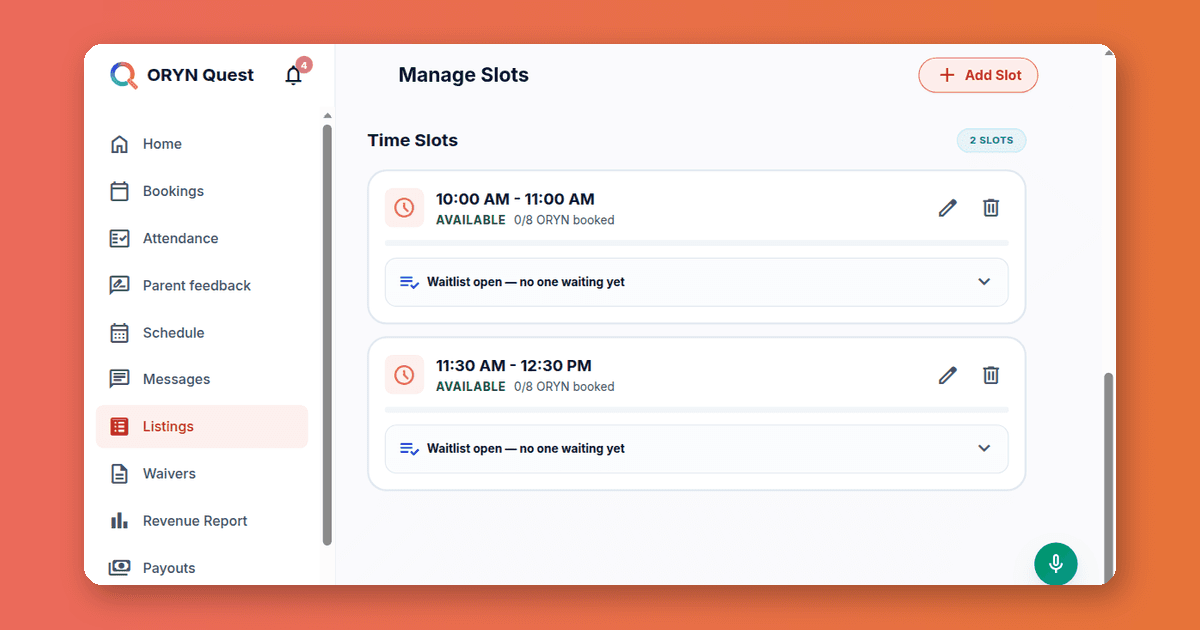
The Listings section of the vendor portal is where your class pages live, so make seasonal photo refreshes part of the same visit as your schedule review. You can also add a last-minute deal for sessions starting within 24 hours that still have seats, ORYN pays the discount so it never reduces your payout, and a fresh photo next to a discounted seat converts better than an old one.
Measuring Photo Impact Through Vendor Dashboard Insights
The vendor portal dashboard shows listing view counts, with one important caveat: views cover signed-in visitors only. That makes them a solid relative signal even though they're not an absolute count.
Use them comparatively:
- Watch views before and after a photo swap on the same listing. A jump within the first week suggests the new photo set earns more attention.
- Compare two similar listings with different photos to see which style pulls more views, then apply that style elsewhere.
- Pair view data with your Revenue Report, which shows earnings by month and by listing for completed sessions, to see whether more views are turning into bookings.
Also keep in mind that search ranking can depend on parent satisfaction, reply speed, completion and cancellation rates, and profile completeness. Photos are part of that last category, and complete profiles with strong photos tend to hold attention once families click through.
On permissions for photographing children in group settings, the Federal Trade Commission's guidance on children's privacy under COPPA, at ftc.gov, is worth a read, and California's consumer privacy law offers its own protections at oag.ca.gov/privacy/ccpa.
Run a kids' activity business? See how ORYN Quest works for vendors.
Questions vendors ask
- How many photos do I need to publish a listing on ORYN Quest?
At least one, and up to five. The listing cannot go live without a photo and a waiver answer. Drafts can skip the photo, but families never see drafts, so a draft without a photo is not a publishable listing yet.
- Do I keep ownership of the photos I upload?
Yes. You keep ownership of your photos and brand. Photos must be yours or licensed to you, and ORYN may use them to run and promote the platform. ORYN may also review, edit for formatting, or remove any listing.
- Can the AI photo coach reject my photos?
No. The photo coach is optional and offers tips only; it never blocks publishing. If your listing has at least one photo and a waiver answer, it can go live regardless of the coach's suggestions.
- Do photos show up in ORYN Town?
No. A storefront in ORYN Town shows only your name, category, and city, with no photos, prices, or contact details. Your listing photos do the visual work, so invest your effort there.
- Can the photo coach also review my listing video?
The coach is built around your photos. Your optional video, up to 100 MB, is a separate part of the listing form and adds motion and sound that still photos can't capture, such as a recital warm-up or a robotics demo in progress.
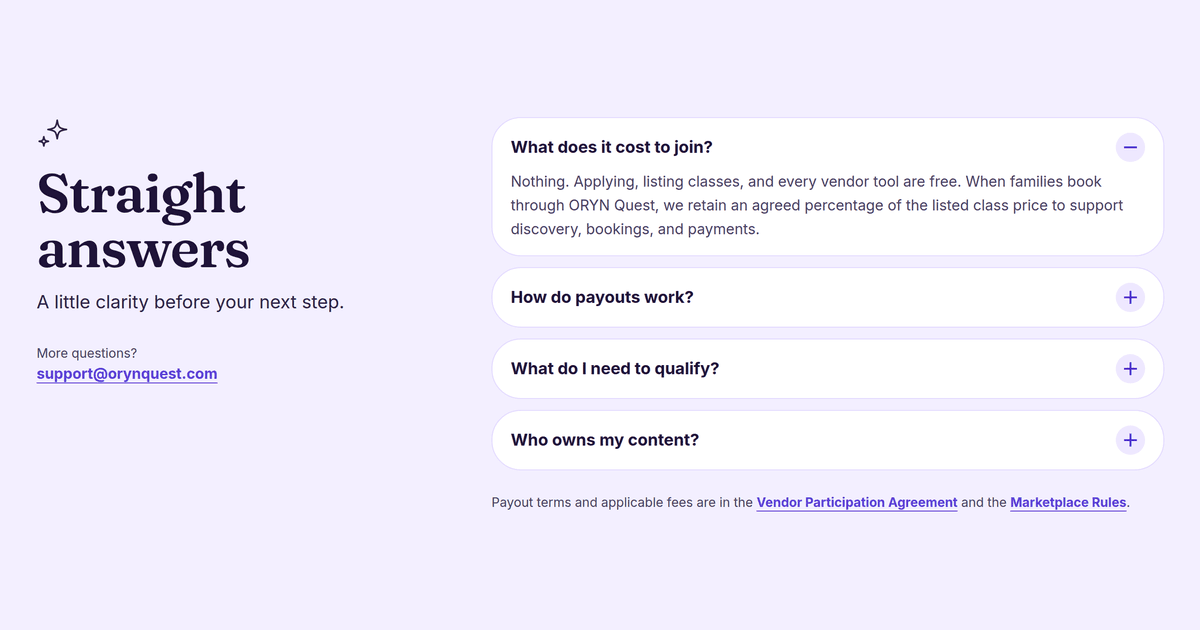
If you run a kids' activity business in Southern California (business ZIPs 900 through 935), applying and listing classes on ORYN Quest are free. Start at orynquest.com/vendor-apply, and bring your five best photos.
Get ORYN news by email
An occasional email about new classes and events. We'll send a link to confirm first.
Every email has a one-click unsubscribe link.
About ORYN Quest. ORYN Quest is a credit-based marketplace for children's activities: parents pick a monthly plan and book real classes and lessons from local vendors. Vendor earnings and any fees follow the applicable participation agreement and fee schedule. Southern California today. Questions: support@orynquest.com.