How to photograph your kids' class for your listing
ORYN Quest Team5 min read
Southern California
In short
Good photos for a kids' class listing are recent, bright and real. Take 3 to 5 on your phone in daylight: a class in action, a teacher leading, and your space set up. Keep text and prices off the photos, put your favourite first, and add them to your class page under Listings.
Good photos for a kids' class listing are recent, bright and real. Take 3 to 5 on your phone in daylight: a class in action, a teacher leading, and your space set up. Keep text and prices off the photos, put your favourite first, and add them to your class page under Listings.
Why fresh photos help
A parent looking at your class is trying to picture their child there. Your description tells them what happens. Your photos show them: the room, the teacher, the kind of fun their child will have.
Photos also go stale. A new mat, a repainted wall or a new teacher makes last year's pictures feel like a different place. A few recent photos from this term tell parents the class is running now. For the words around the pictures, see our guide to writing a kids' class listing parents actually book.
The 3 to 5 photos to take
You don't need fifty. Plan these, take a few of each, and keep the sharpest.
- A class in action. Kids painting, kicking, dancing, building. Real movement beats a posed line-up.
- A teacher leading. The person who runs the class, mid-demo or mid-cheer. Parents like to see who will be with their child.
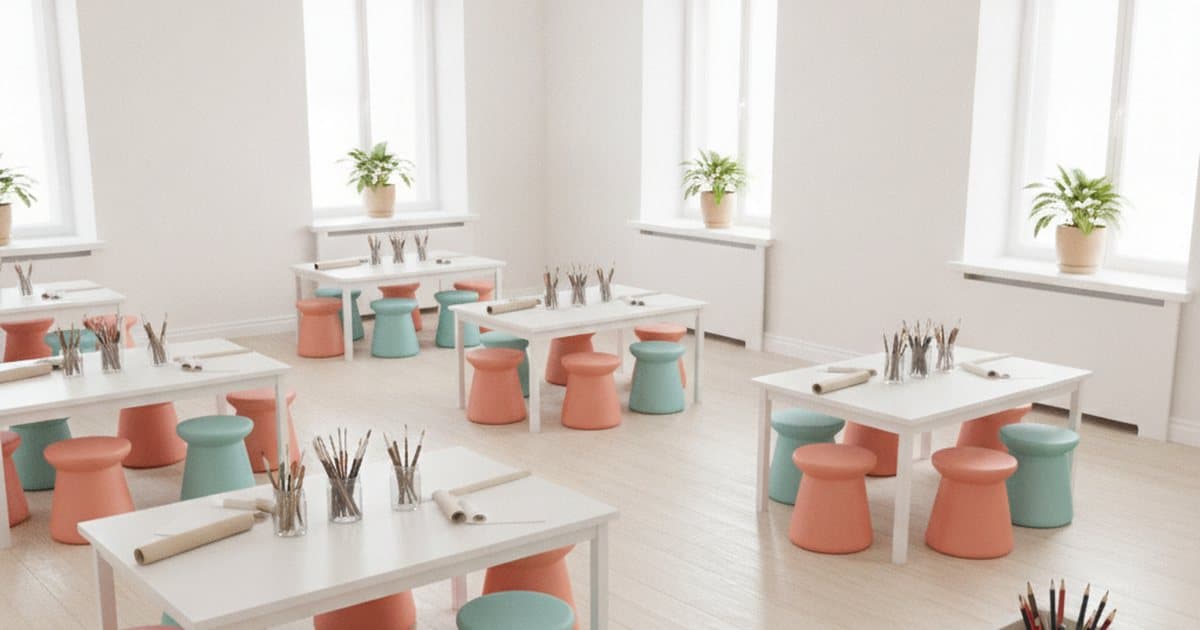
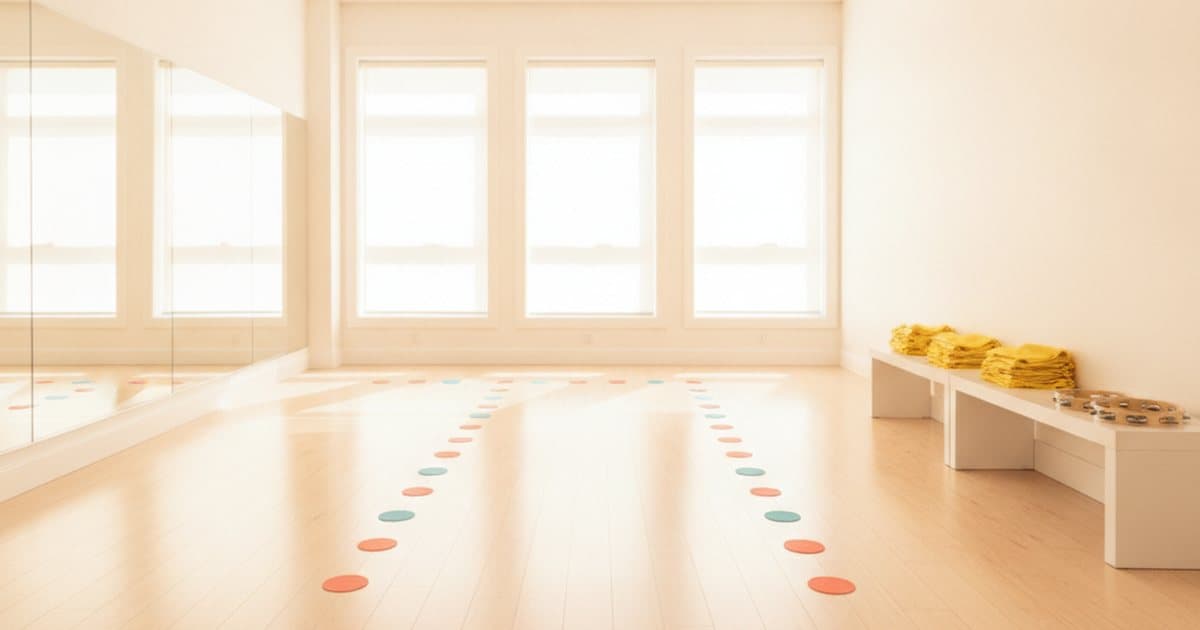
- Your space, set up and ready. A wide shot from a corner shows the room, the light and the room to move.
- Hands at work. Brushes, clay, a ball at someone's feet, fingers on a keyboard. Close shots feel warm.
- The finished work. The painted canvas, the little robot, the clay bowl: what a child takes home.
If you only have time for one, make it the class in action.
Light: shoot in daylight
- Open the blinds. Daylight is the easiest win. Mid-morning or early afternoon usually gives soft, even light indoors.
- Keep the window beside you or behind you, not behind the class. A bright window behind the kids turns them into dark shapes.
- Skip the flash. It flattens colour and makes a warm room look cold.
- Outdoors, find open shade. The shadow of a tree or a building gives soft light with no squinting.
If a photo looks dark on your phone, it will look darker on a parent's screen. Take it again.
Angles that work
- Get low. Shoot from a child's eye level. Rooms and activities look friendlier from there.
- Hold the phone level. Turn on your camera's grid lines so walls stay straight.
- Shoot landscape for the wide shots, so the whole room fits.
- Tidy the frame. Bags, cords and paperwork out; mats, easels and instruments in.
Keep text and prices off your photos
Let the photo show the class. Your class page already holds the details: the title, the ages, the times and the price. On ORYN Quest, families see your price in credits, so a dollar figure printed on a photo would only confuse them. Skip words, stickers and heavy filters too. A clean, bright photo of your real room looks more inviting than a busy graphic.
Put your favourite first
Order matters. Lead with the one photo that sums up your class best, usually the class in action. Then add the teacher, the space and the details.
Use your own photos
Only use photos you took or are allowed to share. Skip stock images and pictures from other websites: parents can tell, and a class that looks the same on day one as it does online builds trust. You keep ownership of your photos and brand.
If children can be recognized in a photo, make sure their parents are happy for it to be shared. Most studios already ask families this way. Hands at work, finished projects and wide shots from behind show the class without showing faces.
How to add photos on ORYN Quest
On ORYN Quest, you add photos to the class page yourself. Open the class under Listings in the ORYN Quest vendor portal, or in the ORYN Quest Business app, and add your photos there.
- A class needs at least one photo to go live, and you can add up to five.
- An optional AI photo coach gives tips on your photos, but it never blocks publishing. You decide which photos go up.
- Drafts can skip the photo, and families never see drafts, so you can save a class now and add photos after your next session.
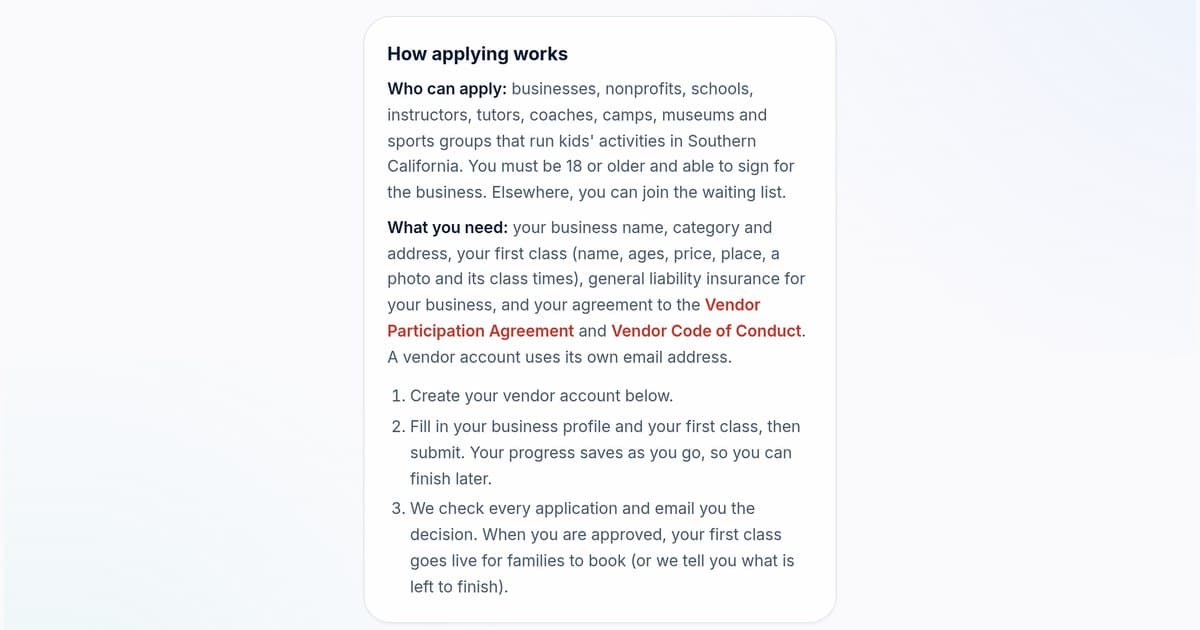
Not on ORYN Quest yet? If you run kids' activities in Southern California, you can apply as a vendor. Your application includes your first class, with a photo, so take your photos first.
Ready to show families your class? See how listing your classes on ORYN Quest works, then add 3 to 5 fresh photos to your class page.
Want new posts like this in your inbox? Subscribe to ORYN Quest news.
Questions vendors ask
- How many photos should a kids' class listing have?
Three to five recent ones: a class in action, a teacher leading and your space, plus a close-up or the finished work. On ORYN Quest a class needs at least one photo to go live, and you can add up to five.
- Should I put text or prices on my class photos?
No. Keep the photos clean and let your class page carry the details. On ORYN Quest, families see your price in credits on the class page, so a dollar figure on a photo would only confuse them.
- Do I need a professional photographer?
No. A recent phone, daylight and a low, level angle are enough for most classes. What matters most is that the photos are recent, bright and real.
- Is it free to list?
It's free to join. Applying, listing classes, and every vendor tool are free, with no setup fee and no subscription. When families book through ORYN Quest, we retain an agreed percentage of the listed class price to support discovery, bookings, and payments.
Get ORYN news by email
An occasional email about new classes and events. We'll send a link to confirm first.
Every email has a one-click unsubscribe link.
About ORYN Quest. ORYN Quest is a credit-based marketplace for children's activities: parents pick a monthly plan and book real classes and lessons from local vendors. Vendor earnings and any fees follow the applicable participation agreement and fee schedule. Southern California today. Questions: support@orynquest.com.