Waivers for kids' classes: what to include and how to collect them
ORYN Quest Team5 min read
Southern California
In short
A waiver for kids activities usually names the child and the parent, describes the activity and its risks in plain words, lists an emergency contact, and ends with a signature and date. Keep it short, collect it before the first class, and store it safely. This is not legal advice: ask a lawyer about your wording.
A waiver for kids activities usually names the child and the parent, describes the activity and its risks in plain words, lists an emergency contact, and ends with a signature and date. Keep it short, collect it before the first class, and store it safely. This is not legal advice: ask a lawyer about your wording.
This is general information, not legal advice. It covers how small studios and coaches often lay out a waiver and run the paperwork. It does not say what the law requires or how a form would hold up. For the wording of your own waiver, ask a lawyer.
Why a clear waiver helps
The waiver is often the first document a parent reads from you. A clear, tidy form tells them you have thought about their child's day.
It also starts a good conversation. When a parent reads that your class involves climbing or tumbling, they can ask their questions before the first class instead of during it.
What a waiver for kids' classes usually covers
Your lawyer shapes the final wording. Many waivers for kids' classes share the same few parts.
Who is taking part
The child's name and the parent's or guardian's name and contact details.
What the activity involves
Describe what kids actually do, in the same plain words you use on your class page. "Kids practise forward rolls and cartwheels on padded mats" is clearer than "physical activity". Then name the everyday risks of your real class, such as falls, bumps or equipment use, so a parent understands what they are signing for.
An emergency contact
One or two people you can reach if the parent can't be reached during class.
Signature and date
The parent's or guardian's signature, printed name and the date. If the form is digital, make sure the record shows who signed and when.
Keep it easy to read
A parent often signs on a phone, in a lobby, with a child tugging at their sleeve. Write for that moment:
- Short sentences and plain words. If a line needs a second read, split it.
- Headings that match the parts above, so a parent can find what they care about.
- Match your class page. The activity in the waiver should be the one families read about. For help with that page, see how to write a kids' class listing parents actually book.
- One version per kind of class if your classes differ a lot.
Collect it before the first class
Two minutes before class is the worst time to hand over a form. Rushed forms come back half filled in.
- Make it part of booking, or send it as soon as a family books.
- Remind families before the first class if it isn't done yet.
- Plan for the family who forgot. A few printed copies or a tablet at the front desk saves the moment.
- Check your roster against signed forms before class starts.
Keep signed waivers safe
A signed waiver holds a child's name and a parent's details, so treat it with care:
- Paper: keep forms in a locked drawer or cabinet, filed by class or term.
- Digital: keep them in one account with a strong password, and limit who on your team can open them.
- Findable: if a question comes up later, you should be able to pull the right form quickly.
Look at it again when your class changes
A new age group, a new room or new equipment can change what your waiver should say. Reread it when your class changes, note the date of each version, and ask your lawyer about any new wording before you use it.
How waivers work on ORYN Quest
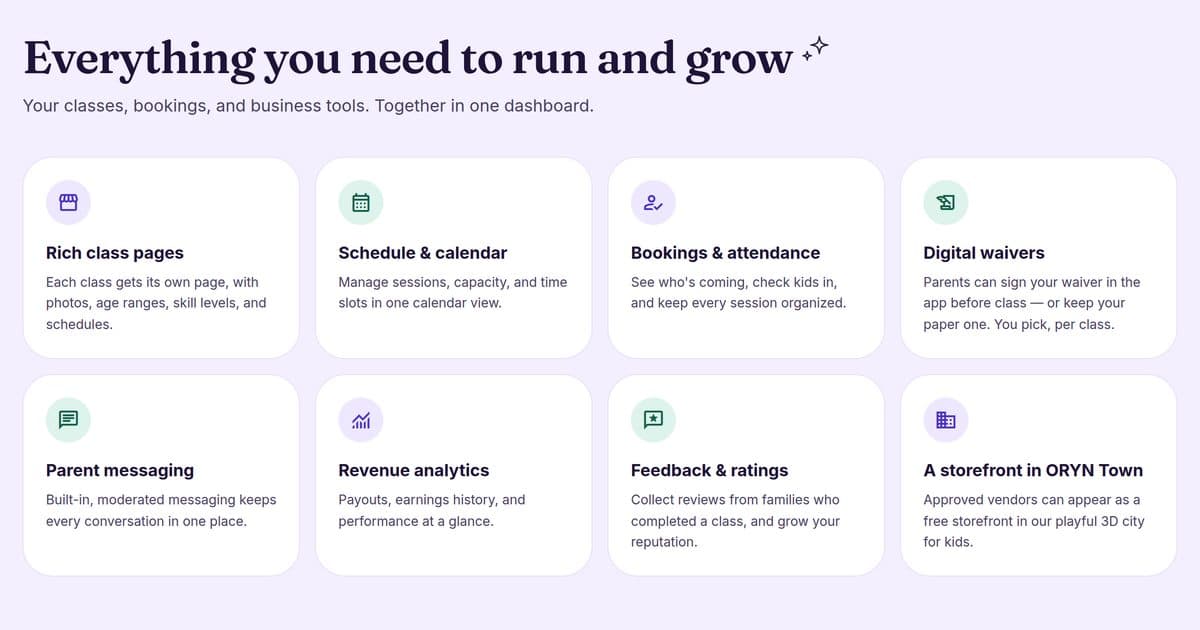
On ORYN Quest, you choose how families sign for each class.
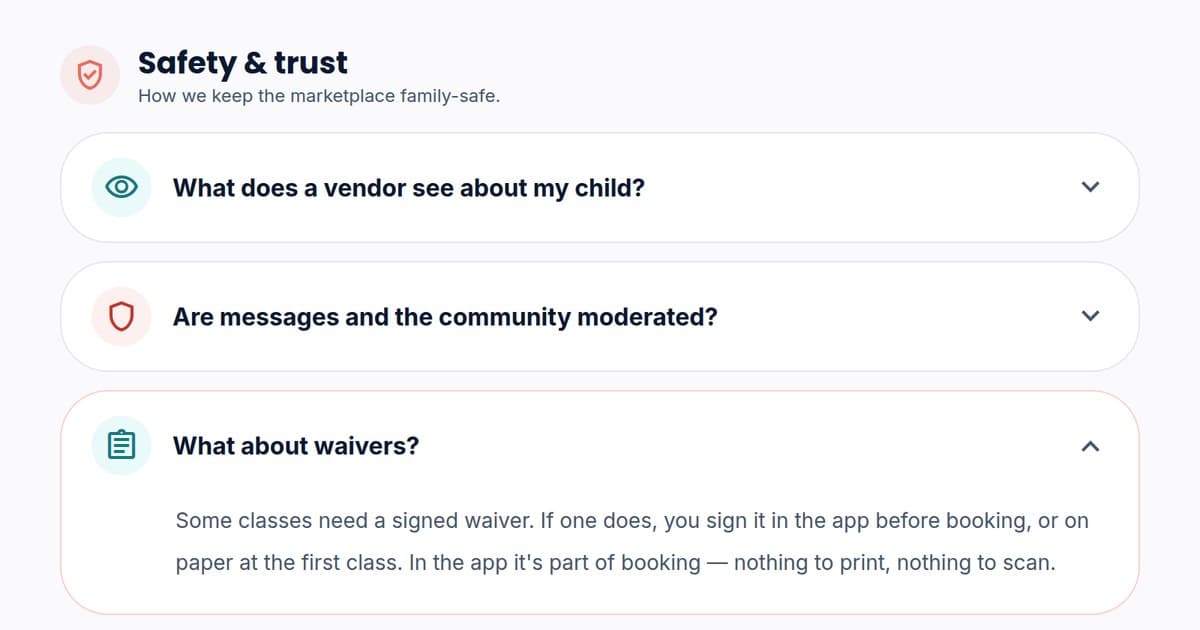
- One of three answers. Before a class goes live, you pick one: families sign in the app before booking, sign on paper at the first session, or there is no waiver.
- In the app. At least one required waiver is switched on, and a family can't finish booking until they sign. The in-app waiver record shows the signing parent's name and email and the child's name.
- On paper. You collect and keep the paper form yourself, and ORYN does not check it.
- Already have a paper waiver? An AI tool can turn a photo or PDF of your paper waiver into editable text. You check the text before saving, and the upload itself is deleted.
- ORYN's own release. With every answer, parents also accept ORYN's own Parent Waiver & Release before booking.
ORYN does not review what your waiver says. The wording is yours, so ask a lawyer about it.
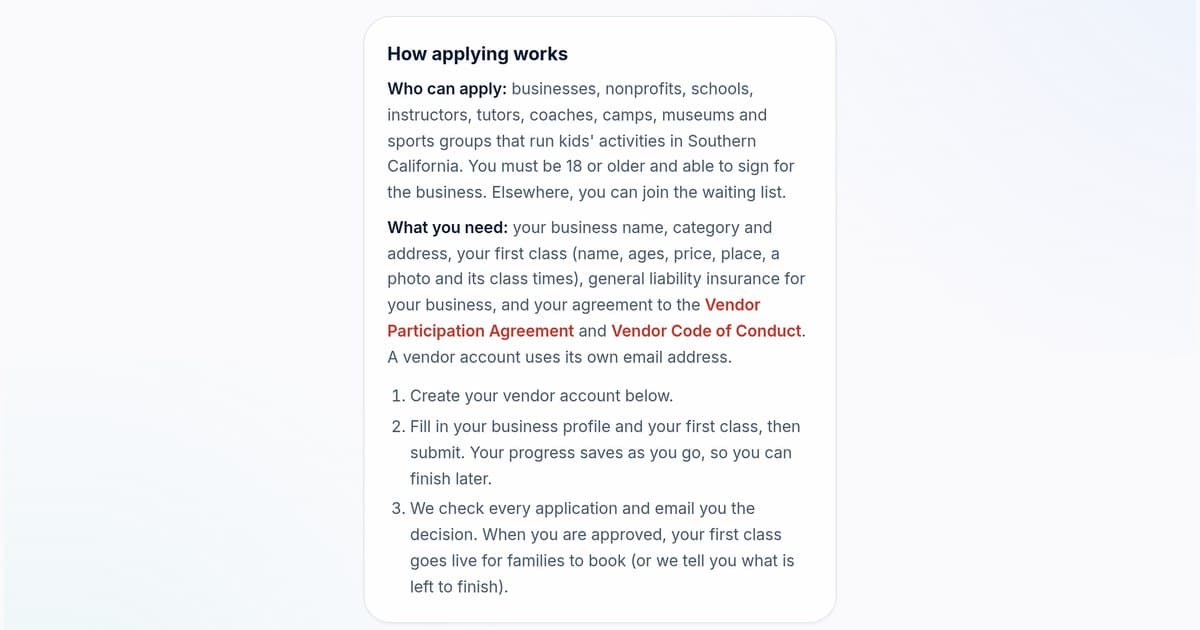
Not on ORYN Quest yet? If you run kids' activities in Southern California, you can apply as a vendor. Your first class asks how families sign your waiver.
Running kids' classes in Southern California? On ORYN Quest you choose how families sign your waiver for every class. See how it works for vendors.
Want new posts like this in your inbox? Subscribe to ORYN Quest news.
Questions vendors ask
- Is this legal advice?
No. This is general information, not legal advice. Ask a lawyer about the wording of your own waiver.
- Does ORYN Quest check my waiver?
No. ORYN does not review what a vendor's waiver says, and it does not check paper waivers. The wording is yours, so ask a lawyer about it.
- Can I keep my paper waiver?
Yes. Choose "on paper" for that class: you collect and keep the form at the first session. Or let the AI tool turn a photo or PDF of it into editable text, and check the text before saving.
- When should parents sign the waiver?
Before the first class. With an in-app waiver on ORYN Quest, parents sign before booking, and a family can't finish booking until they do.
Get ORYN news by email
An occasional email about new classes and events. We'll send a link to confirm first.
Every email has a one-click unsubscribe link.
About ORYN Quest. ORYN Quest is a credit-based marketplace for children's activities: parents pick a monthly plan and book real classes and lessons from local vendors. Vendor earnings and any fees follow the applicable participation agreement and fee schedule. Southern California today. Questions: support@orynquest.com.